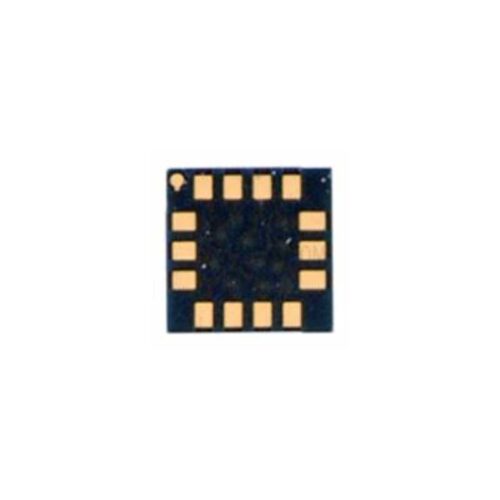
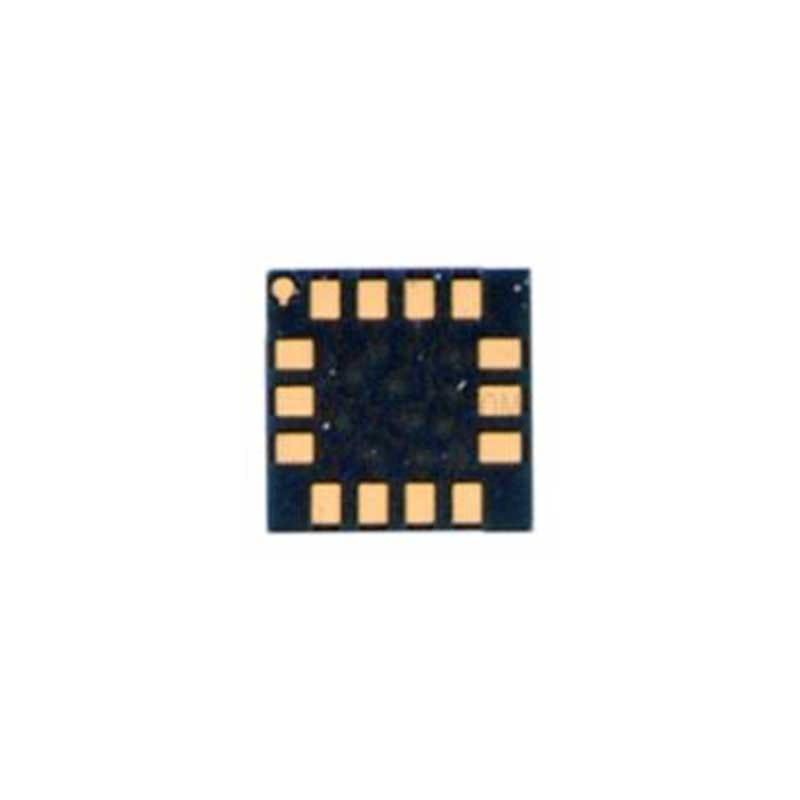
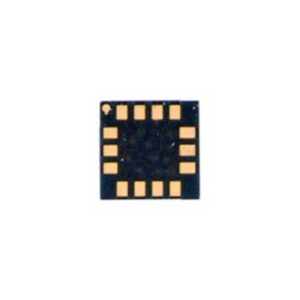
J7 MAX LIGHT Mobile Phone IC
Boost Your Device Performance
Enhance the efficiency and reliability of your mobile device with the J7 MAX LIGHT Mobile Phone IC. Crafted with precision, this IC ensures seamless functionality, enabling your device to perform at its best. J7 MAX LIGHT Mobile Phone IC
Engineered for Durability
Featuring advanced technology and robust design, the J7 MAX LIGHT IC integrates perfectly with compatible setups. It is made to withstand regular wear and tear, ensuring long-term usability and exceptional performance. J7 MAX LIGHT Mobile Phone IC
Effortless Compatibility
This mobile phone IC has been specifically designed for use with J7 MAX LIGHT devices. Its precise engineering makes installation straightforward, giving you the confidence to upgrade your device in no time. J7 MAX LIGHT Mobile Phone IC
When it comes to the Samsung Galaxy J7 Max (SM-G615F), the “Light IC” is a critical component responsible for generating the high voltage required to drive the LCD backlight. In the world of mobile repair, this is often referred to as the Backlight Driver IC or part of the Display Power Management circuit. J7 MAX LIGHT Mobile Phone IC
Below is a detailed breakdown of the technical specifications, pinout logic, and supporting components for the J7 Max Light IC. J7 MAX LIGHT Mobile Phone IC
📱 Samsung Galaxy J7 Max Light IC Specifications
The J7 Max typically utilizes a dedicated small-scale boost converter IC. While specific part numbers can vary by region (often a variant of the S2MU004 or a dedicated 6-pin/12-pin driver), the electrical characteristics remain consistent. J7 MAX LIGHT Mobile Phone IC
Core Technical Profile
| Feature | Specification Details |
| Component Name | Backlight Driver / Light IC |
| Common Part No. | S2MU004 / LM3644 (Flash/Torch variant) |
| Type | Constant Current Step-up (Boost) Converter |
| Input Voltage ($V_{in}$) | $3.4V$ to $4.4V$ (Directly from Battery/VPH_PWR) |
| Output Voltage ($V_{out}$) | $18V$ to $25V$ (Regulated for LED Strings) |
| Interface | $I^2C$ Control (for Brightness Dimming) |
| Switching Frequency | ~1.0 MHz to 2.0 MHz |
| Protection Features | Over-Voltage (OVP), Thermal Shutdown, Short Circuit |
| Package Type | WLCSP (Wafer Level Chip Scale Package) |
🛠️ Light Section Hardware Architecture
The Light IC does not work alone. To reach the 20V+ required to light up the display, it works in a circuit “loop” with three other vital components.
Component Interdependency Table
| Component | Role in J7 Max | Common Failure Symptom |
| Boost Coil | Stores energy to “kick” voltage higher. | Dim light or phone hanging. |
| Schottky Diode | Ensures current flows only toward the LCD. | Total dark screen; short circuit. |
| Output Capacitor | Filters the high-voltage DC for stability. | Flickering screen or “lines” on display. |
| Light IC | The “brain” that switches the circuit. | No backlight; “Black Screen” with graphics. |
🔍 Pinout and Signal Logic
If you are troubleshooting a motherboard, these are the primary signals the IC handles:
-
VBAT / VPH_PWR: The main power entry. Without this, the IC won’t start.
-
EN (Enable): A $1.8V$ signal sent from the CPU to tell the IC to turn on.
-
FB (Feedback): Monitors the output to ensure the brightness stays constant.
-
SW (Switch): The pin connected to the Boost Coil where the “magic” of voltage boosting happens.
-
CTRL / PWM: Digital signal that adjusts brightness levels.
⚠️ Troubleshooting & Repair Tips
[!IMPORTANT]
The “Graphics” Test: If your J7 Max has a black screen, shine a bright flashlight directly onto the glass. If you can see faint icons (like the clock or logo), your Light IC or its circuit is faulty, but the display and CPU are likely fine.
-
Common Fault: Water damage near the top of the motherboard often corrodes the LCD Connector (FPC). Before replacing the IC, clean the connector with IsoPropyl Alcohol (IPA).
-
The Boost Coil Test: Use a multimeter in “Buzzer Mode.” If the coil shows continuity (beeps), it is usually healthy. If it looks burnt or smells, replace it along with the IC.
-
Diode Check: A faulty Schottky diode is the #1 cause of “No Light” after a screen replacement gone wrong. It should only show a reading in one direction.
Summary of Operation
In the J7 Max, when you press the power button, the CPU sends an Enable signal to the Light IC. The IC then pulls power from the battery ($3.8V$) and uses the Boost Coil to rapidly switch the current, “stepping it up” to roughly $20V$. This high voltage is sent through the Schottky Diode to the LCD’s LED strip, allowing you to see your wallpaper.
More Products : https://gaffarmarketdelhi.com